
I built my own web browser for the Mac in a few short sessions with Claude Code. It started as a quick experiment called Lean. Today it gets a new name, Bowzer, and a new icon.
Why build a browser
Chrome and Brave carry a lot I don't need: sync services, update daemons, extension hosts, telemetry. Safari is light, but it's missing things I use every day.
Bowzer sits in between. It runs on WebKit, the same engine as Safari, so sites behave the way they do in Safari and video plays through the Mac's own hardware pipeline, which is much kinder to the battery than Chrome. Everything on top of that engine is mine.
What it does
- Safari-style tabs and tab groups. Import your Safari tab groups in one click. 466 tabs came over for me, and they cost nothing until you open one.
- Tabs that clean up after themselves. A tab you haven't looked at in 45 minutes unloads, unless it's playing sound or you've typed something into it.
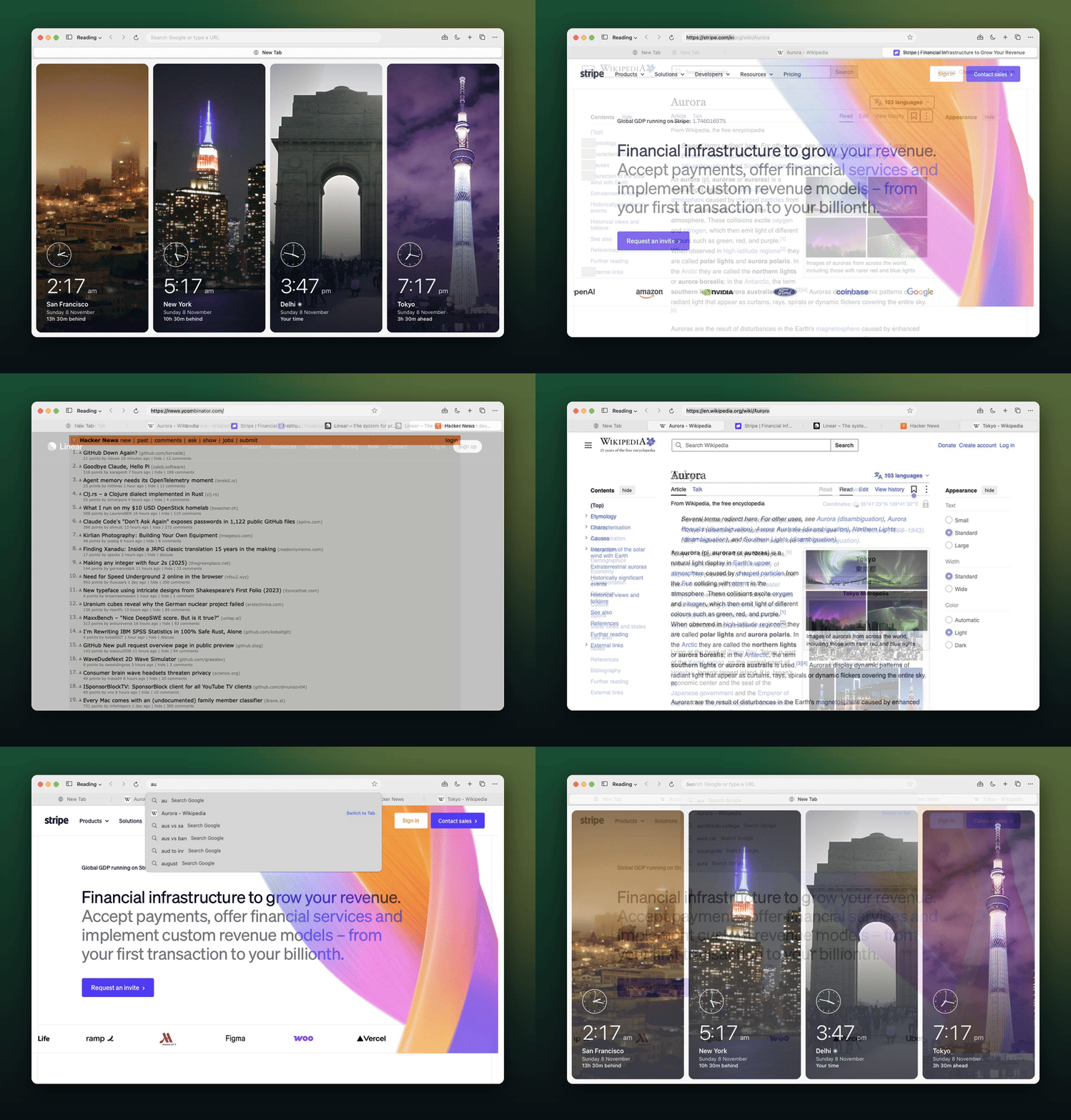
- Accounts per app. Chrome profiles split the whole browser. Bowzer splits per app: one site can have several accounts open side by side, say an admin and a customer, each with its own cookies and a coloured tab so you can tell them apart. It's the feature I use most when testing my own products.
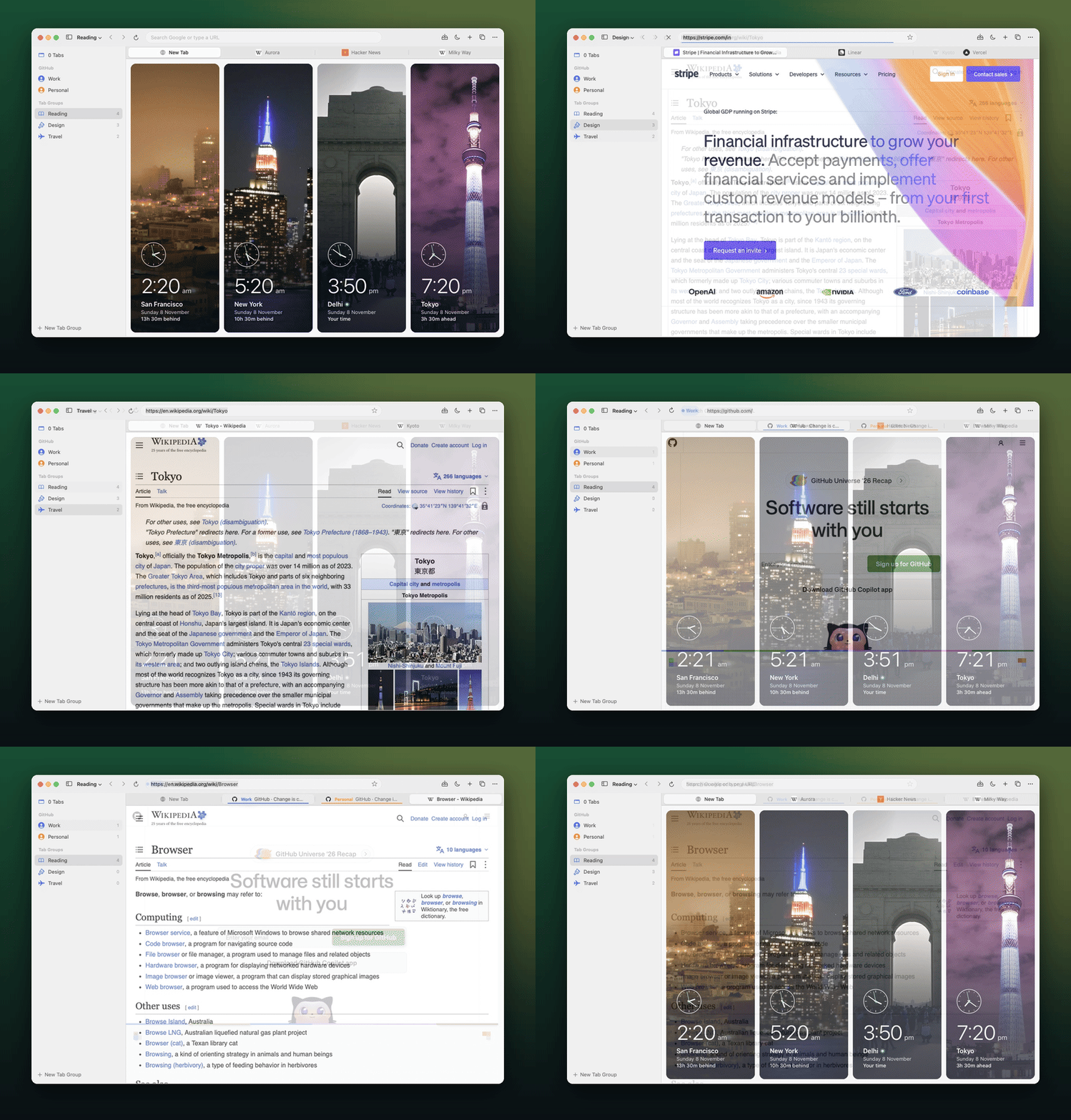
- AI agents can drive it. Bowzer listens on a private local socket, so an agent like Claude Code can open tabs, read pages, click, type and take screenshots in its own window, without touching mine.
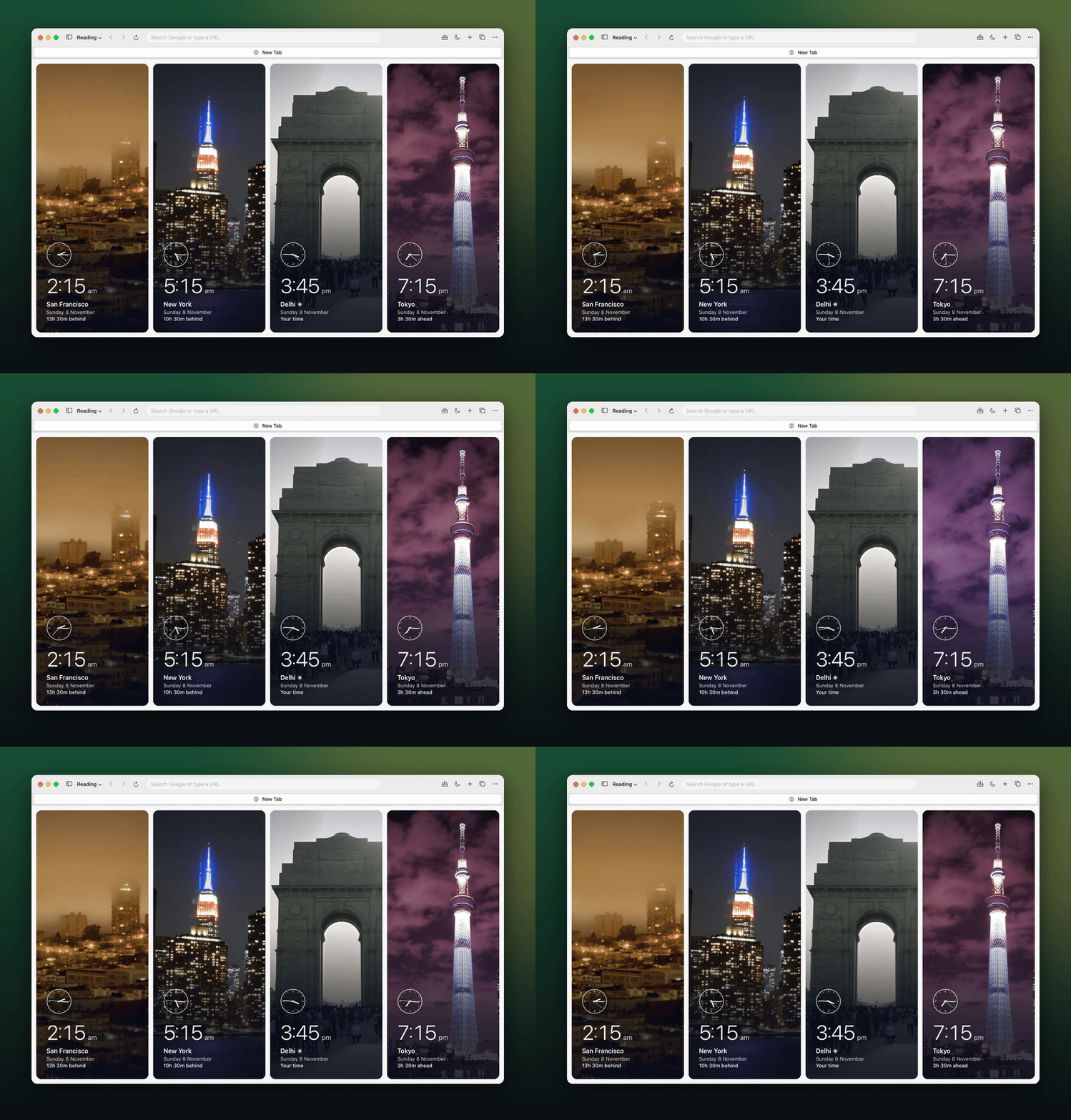
- A New Tab page with world clocks over timelapses of San Francisco, New York, Delhi and Tokyo that follow the time of day in each city.
- History, bookmarks, zoom per site, private windows, downloads and the shortcuts you'd expect.
How it was built
I wrote almost none of it by hand. Claude Code wrote the Swift: 22 of the 23 commits are co-authored by Claude. My part was deciding what the browser should do, trying it out and reporting what broke.
It's about 11,000 lines of Swift with 61 unit tests and 28 end-to-end tests, which drive a separate test copy of the app so they never touch my real tabs.
What's missing
- Extensions. There's no uBlock, though Safari content blockers are an option.
- Password autofill. Use a password manager's own app.
- Passkeys, which need a signed Developer ID build.
- Web notifications.
Bowzer is Mac only, and the source is private for now.